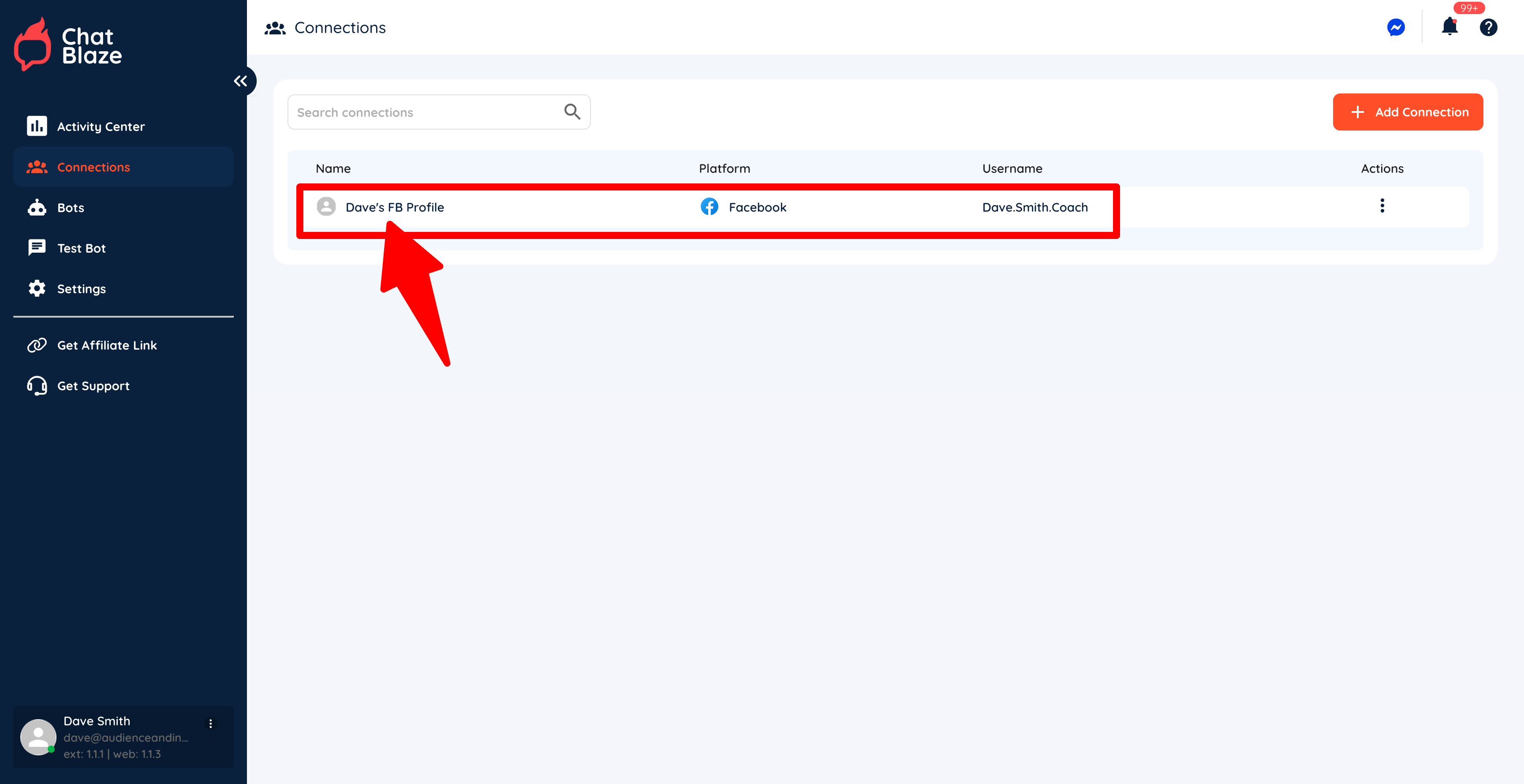
Managing Your Bots
InThe order"status" to haveof your botsbot beginwill chattingdetermine with leads, you need to connecthow your Facebookbot profilefunctions toand ChatBlaze.whether or not it counts towards the total bot limit in your ChatBlaze account.
ConnectionBot Setup Steps:Limit:
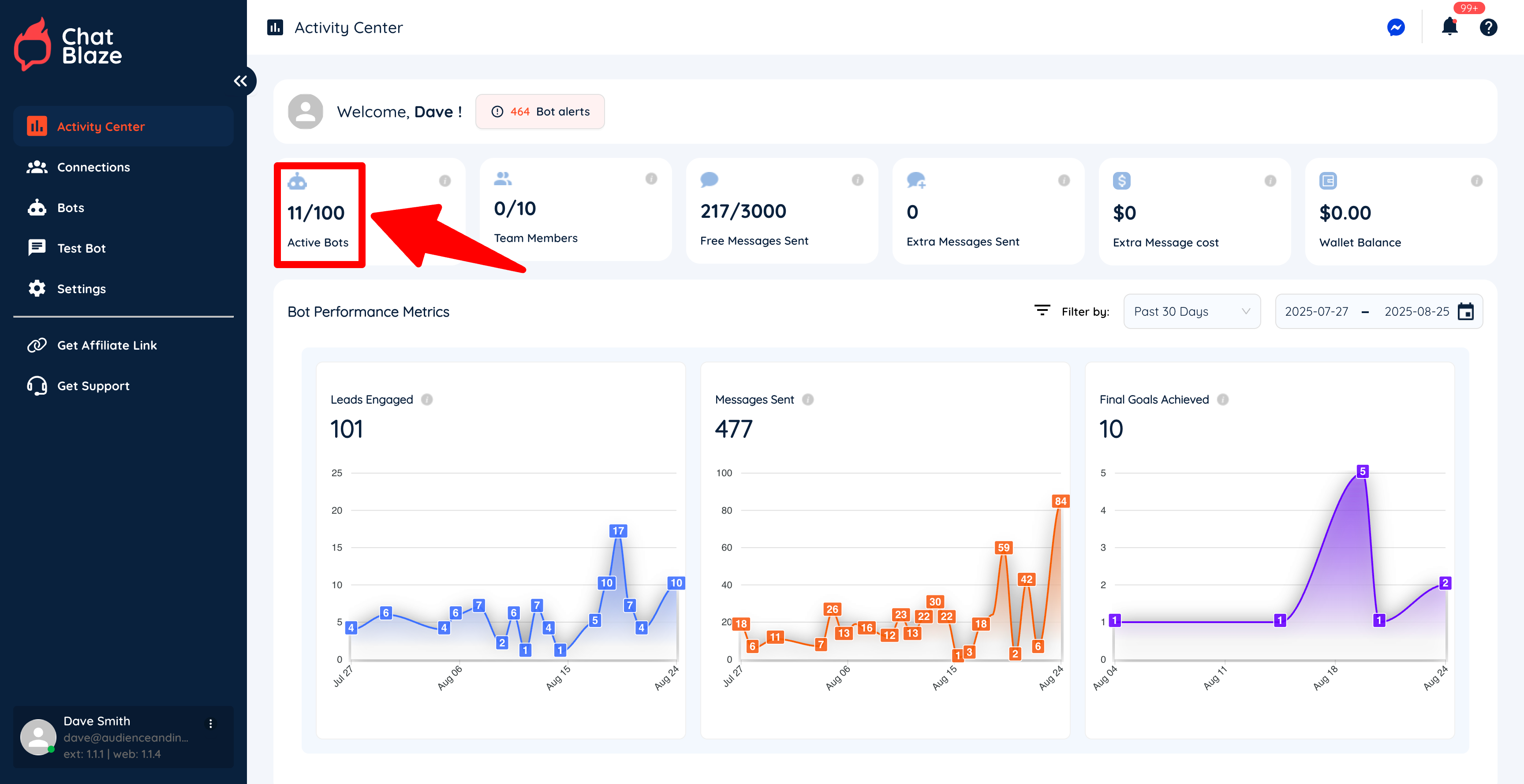
1)You Opencan find your Facebookbot profilelimit and leave it open forfrom the remaining"Activity steps.Center" inside ChatBlaze. In this example, the account has a limit of 100 active bots. Once you reach your bot limit, you will not be able to publish any more bots.
2) Copy
3 "Status" Options:
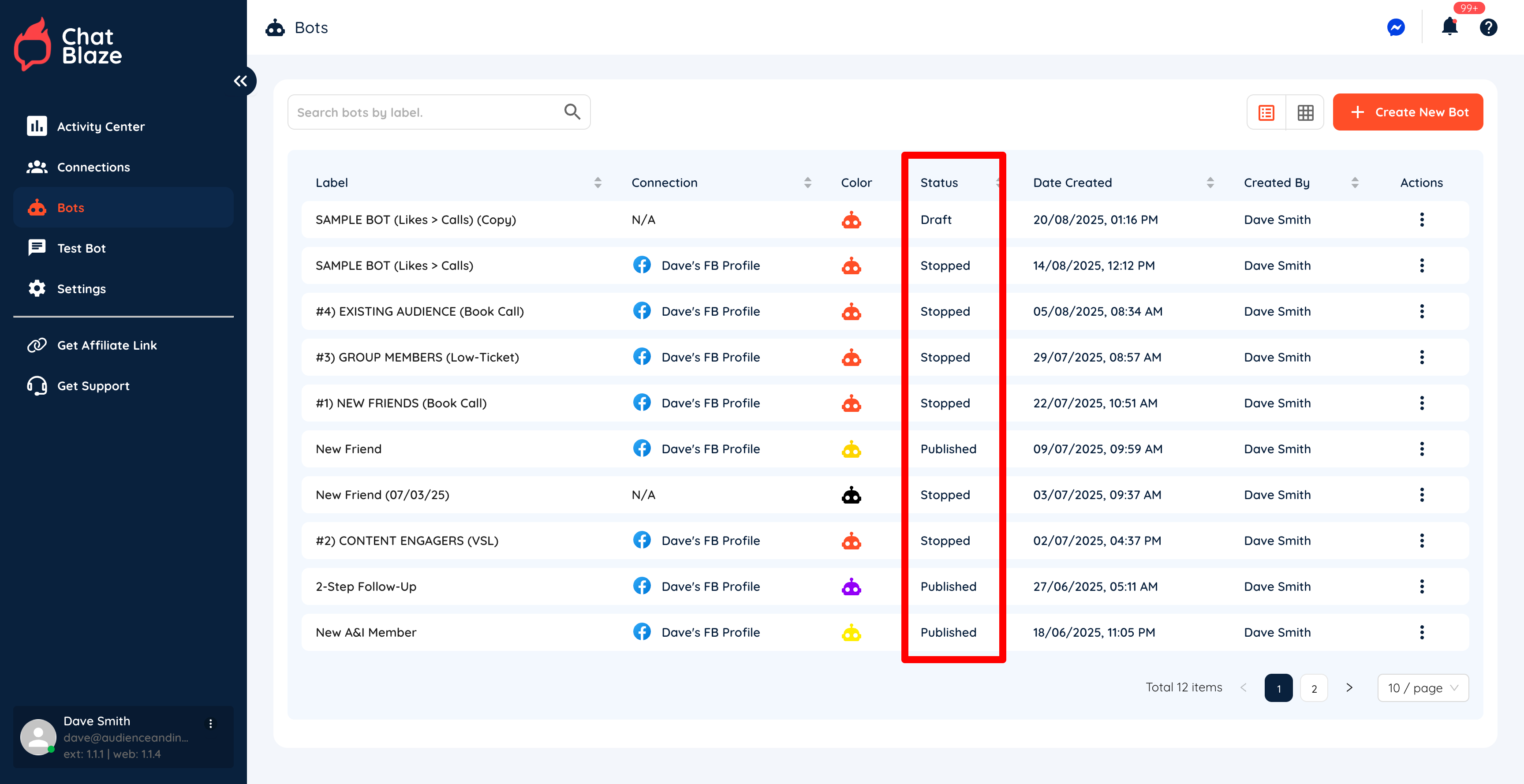
Inside your Facebook"Bots" profiletab URL.you will see the status of each of your bots:
3)
1) navigate"Draft"
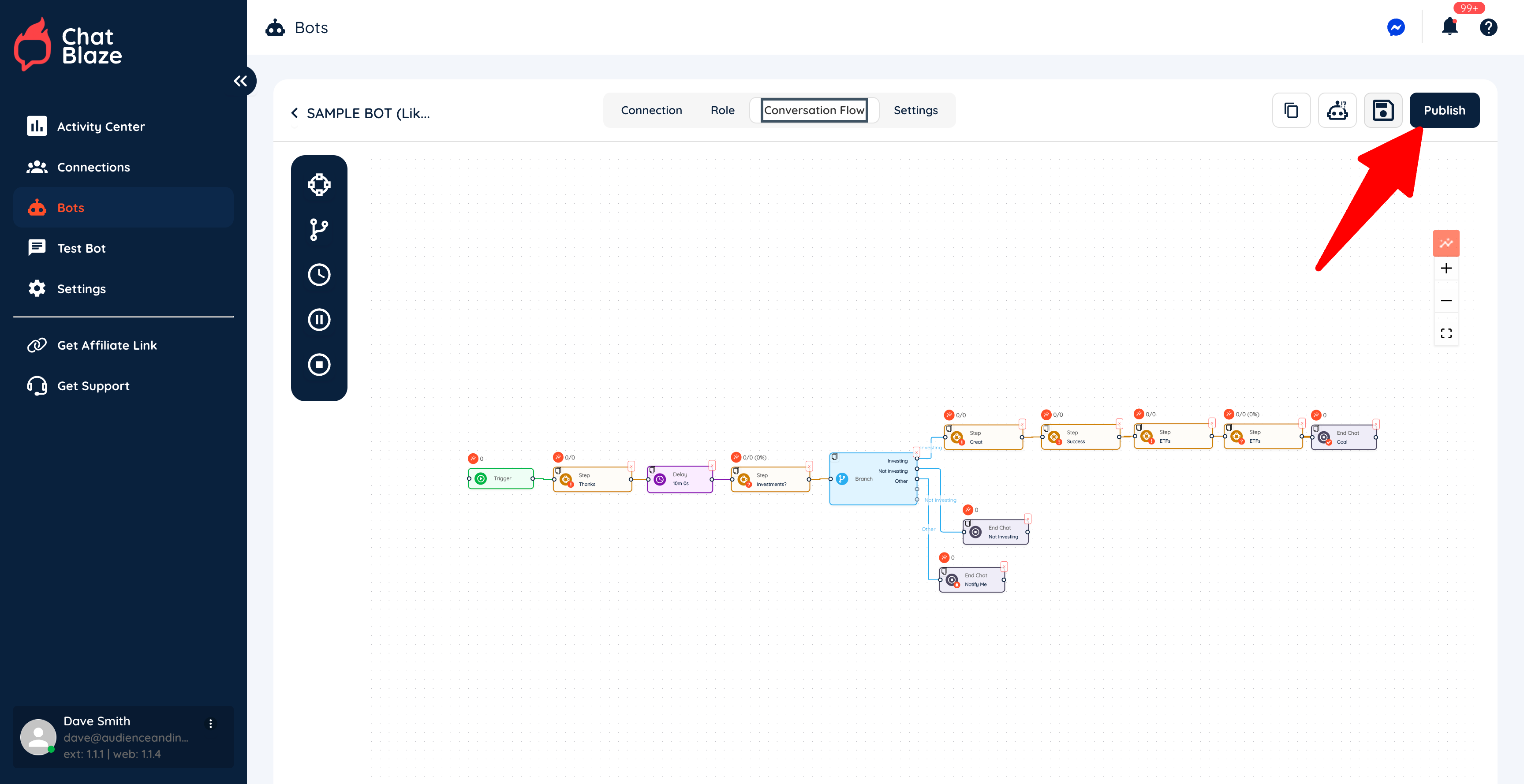
If you have never published your bot, it has a "draft" status. This means that it cannot chat with your leads, nor does it count towards the "Connections"total tabbot insidelimit ChatBlaze.in your account.
4) Click the "Add Connection" button.
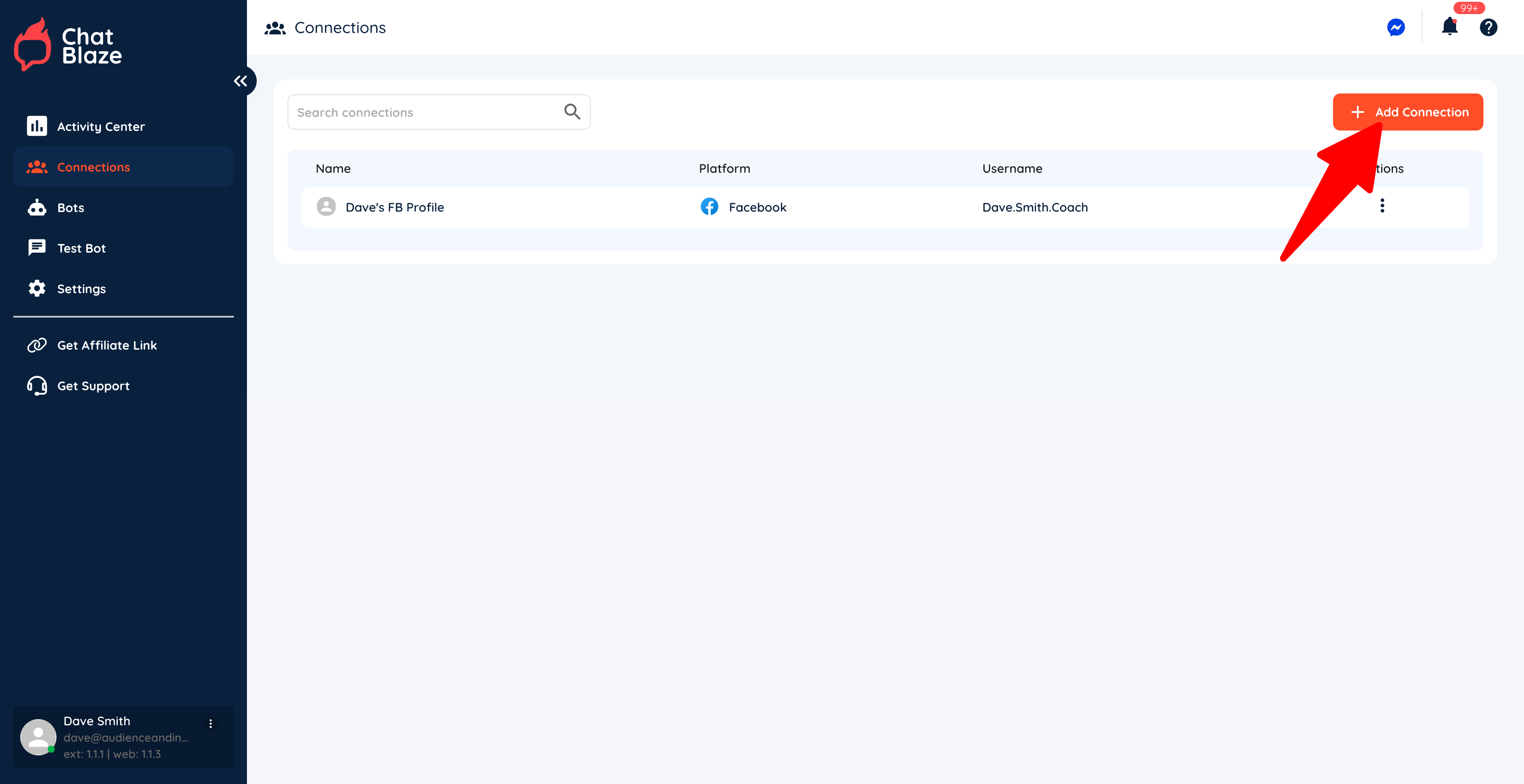
5) Give your connection a name (e.g. "Dave's FB Profile"), choose "Facebook" as the platform, and then paste your profile link into the last box. Click Save.
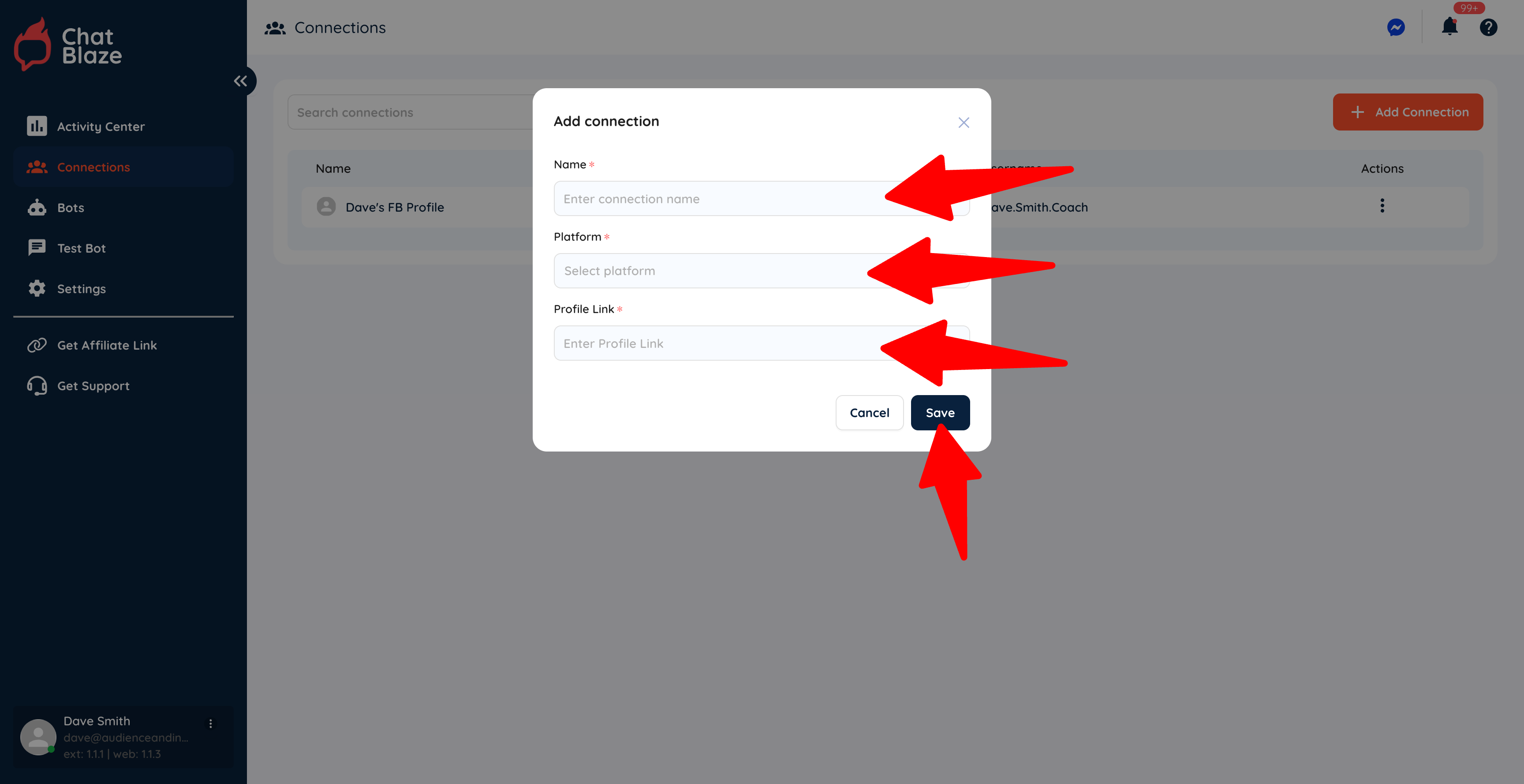
6) Your Facebook profile is now connected to ChatBlaze, which means your bots can begin chatting with leads using this profile.