Managing Your Bots
In order to have your bots begin chatting with leads, you need to connect your Facebook profile to ChatBlaze.
Connection Setup Steps:
1) Open your Facebook profile and leave it open for the remaining steps.

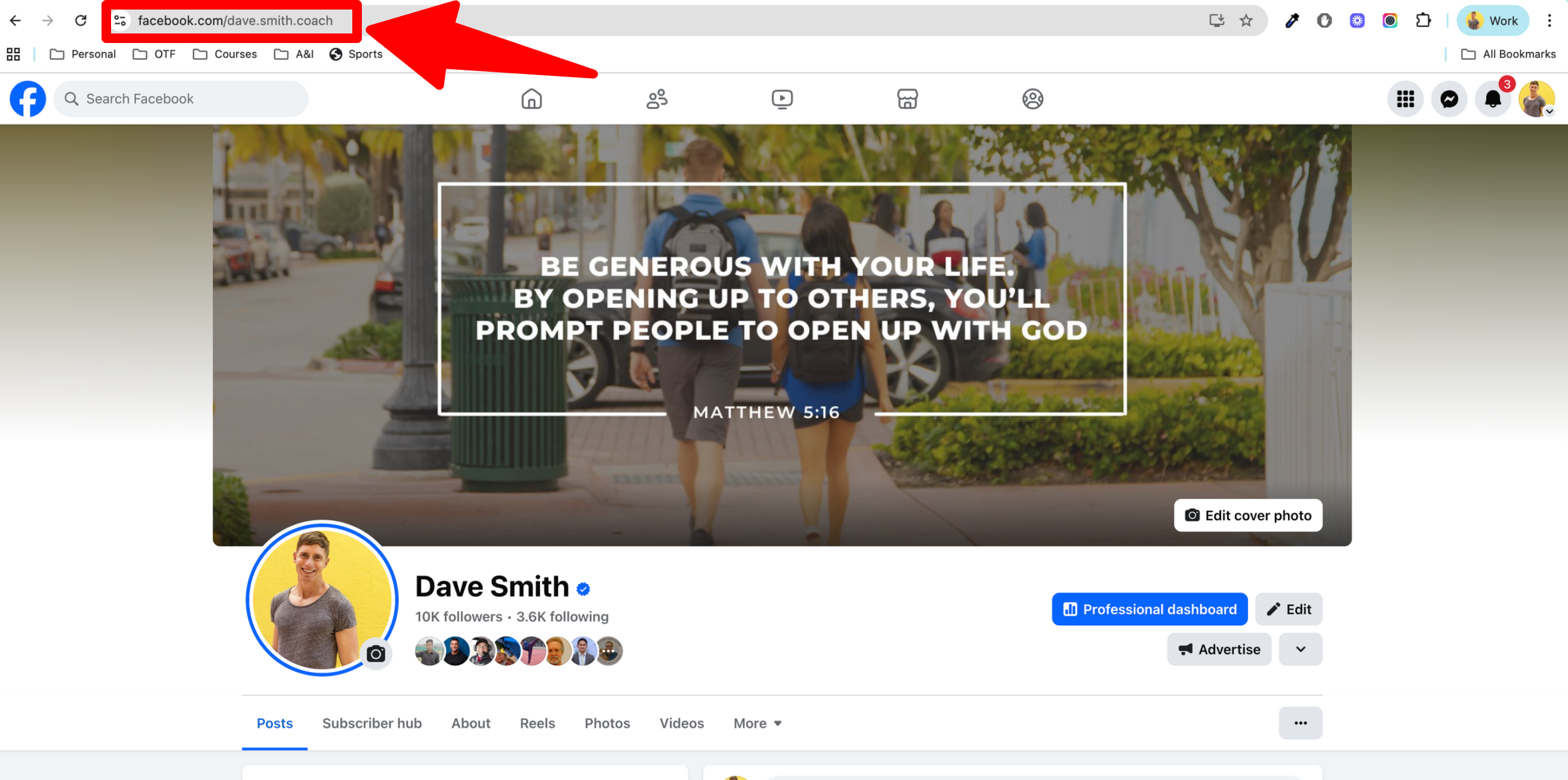
2) Copy your Facebook profile URL.
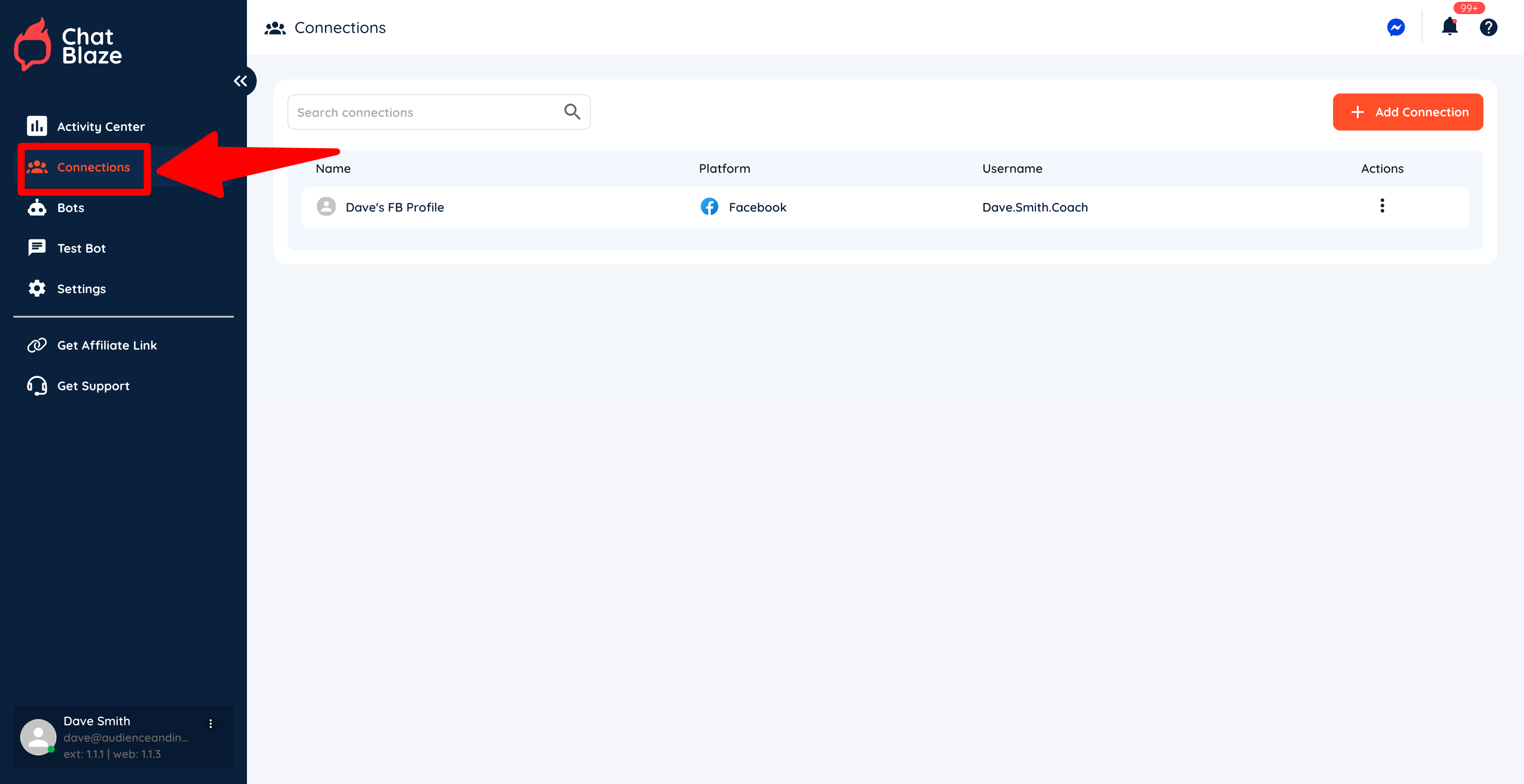
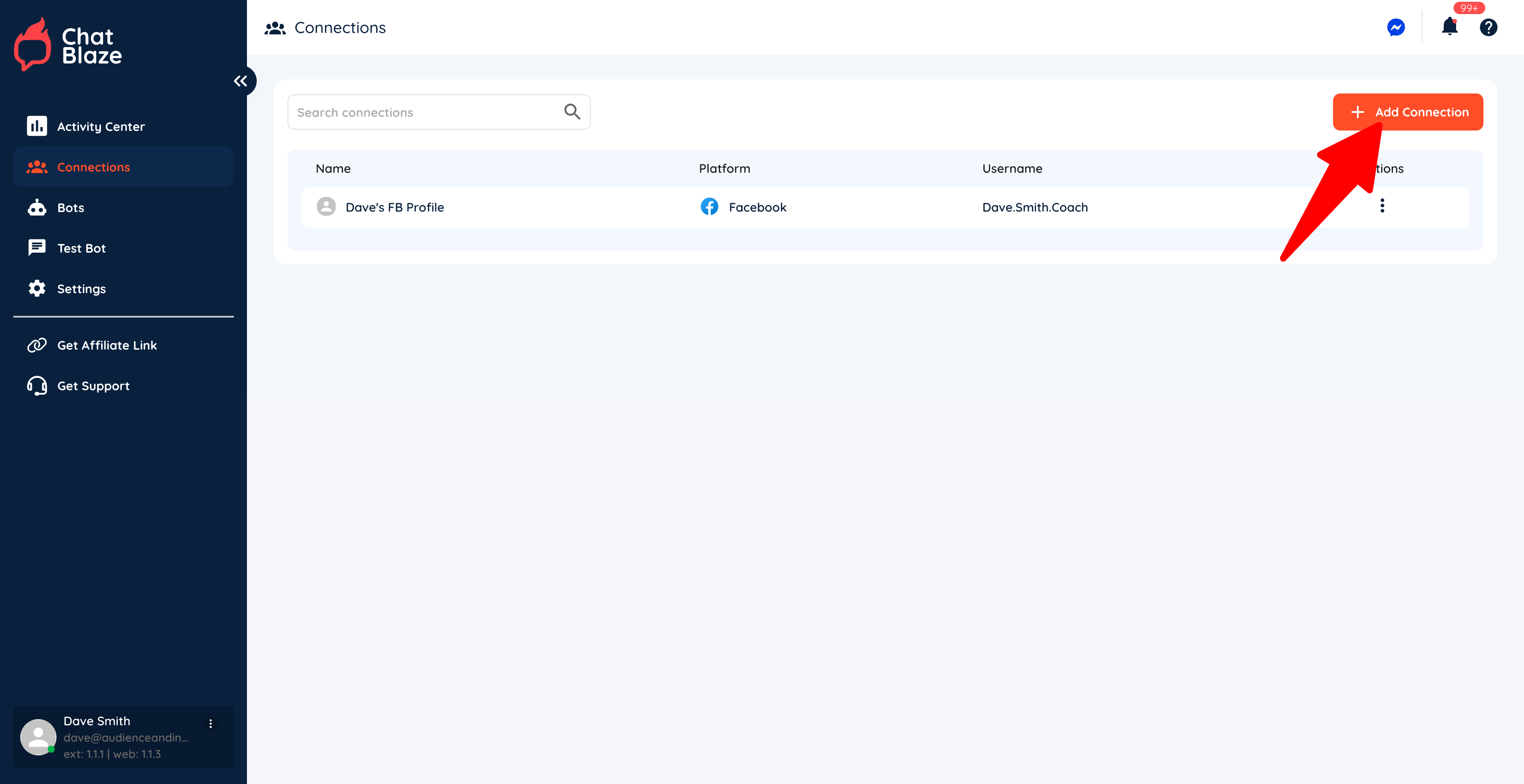
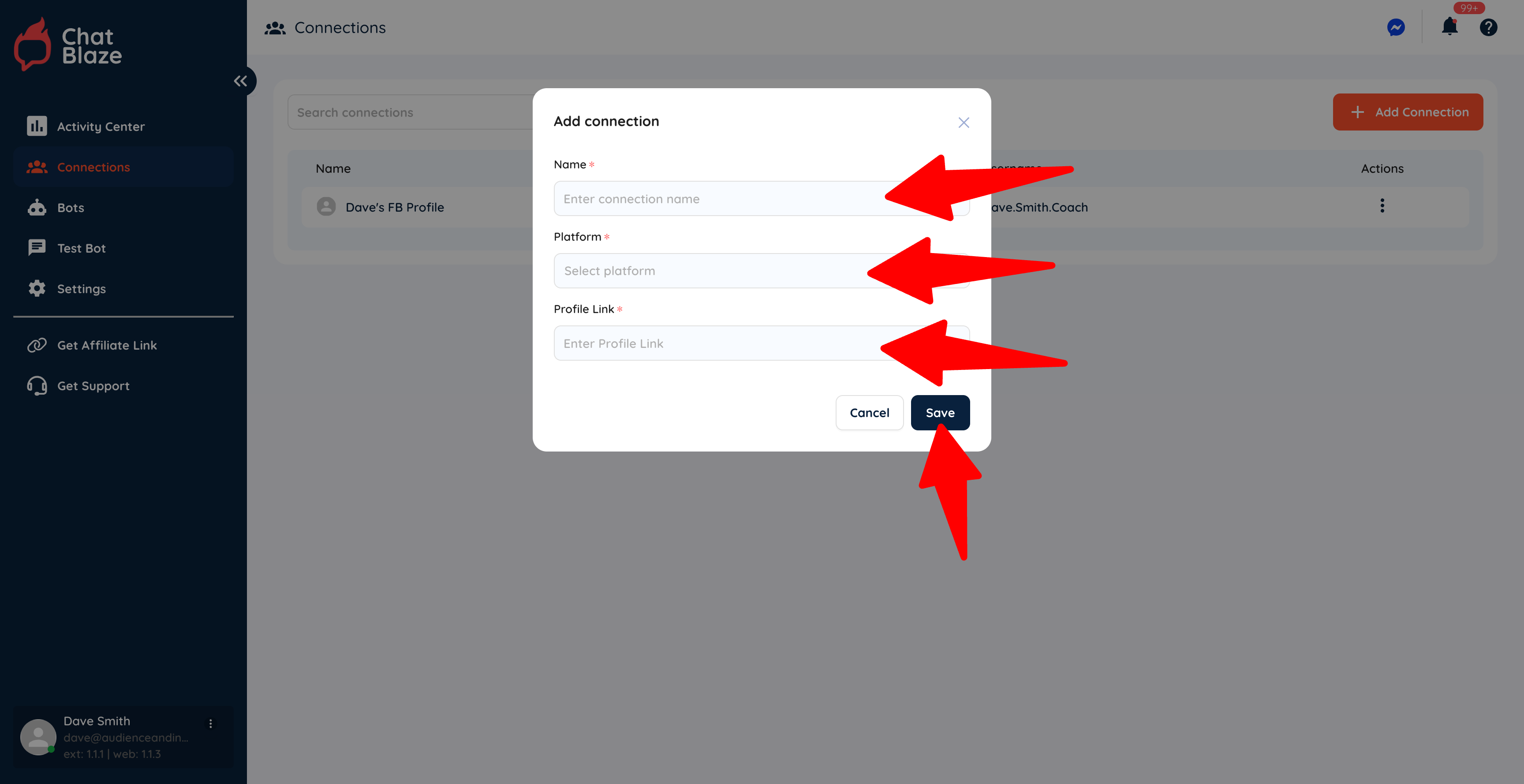
4) Click the "Add Connection" button.
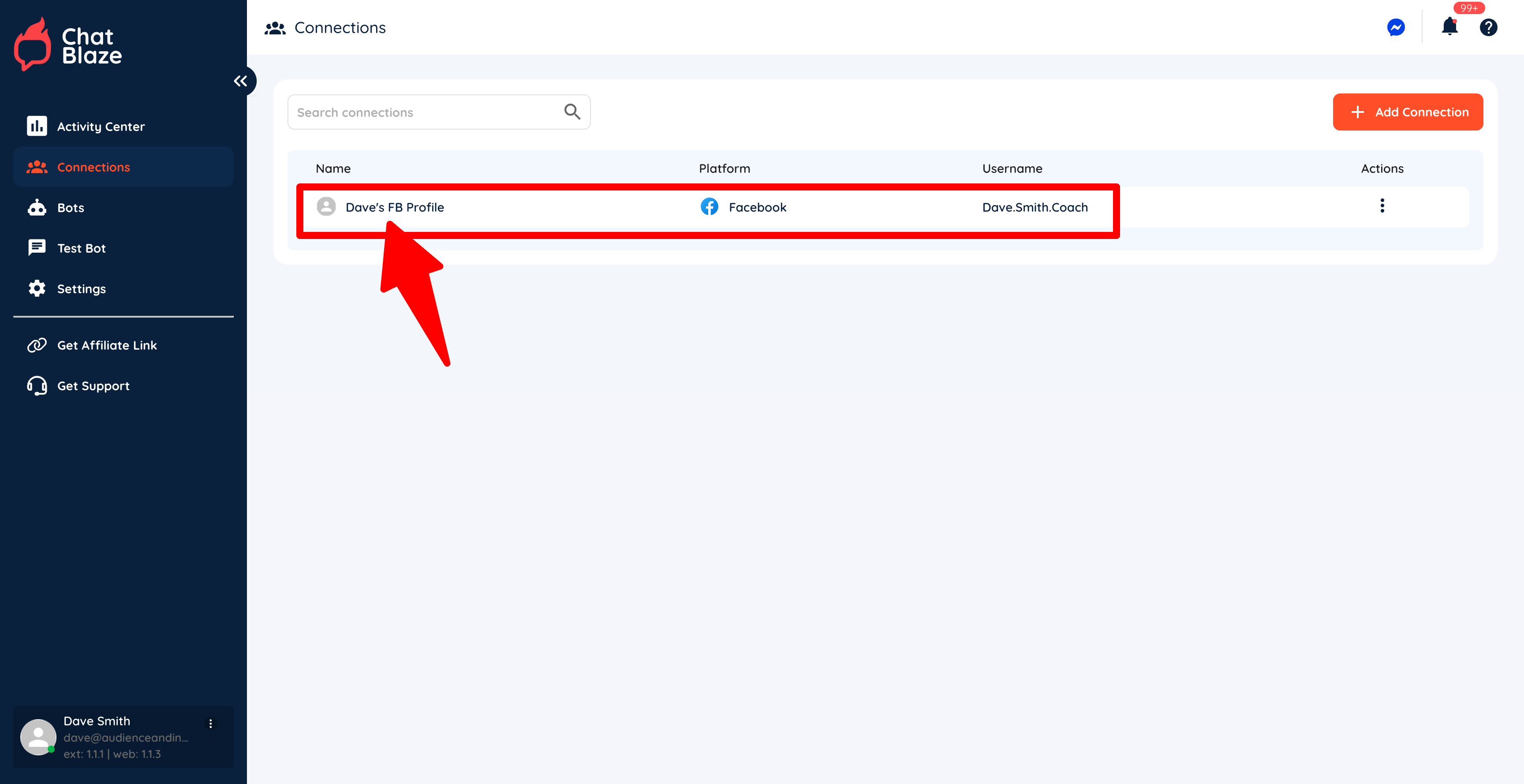
5) Give your connection a name (e.g. "Dave's FB Profile"), choose "Facebook" as the platform, and then paste your profile link into the last box. Click Save.
6) Your Facebook profile is now connected to ChatBlaze, which means your bots can begin chatting with leads using this profile.