Create A New Bot (Sample Bot)
Let's walk through the setup steps for a new bot that is designed to nurture leads who "like" your content and eventually make them an offer to book a sales call with you.
Bot Setup Steps:
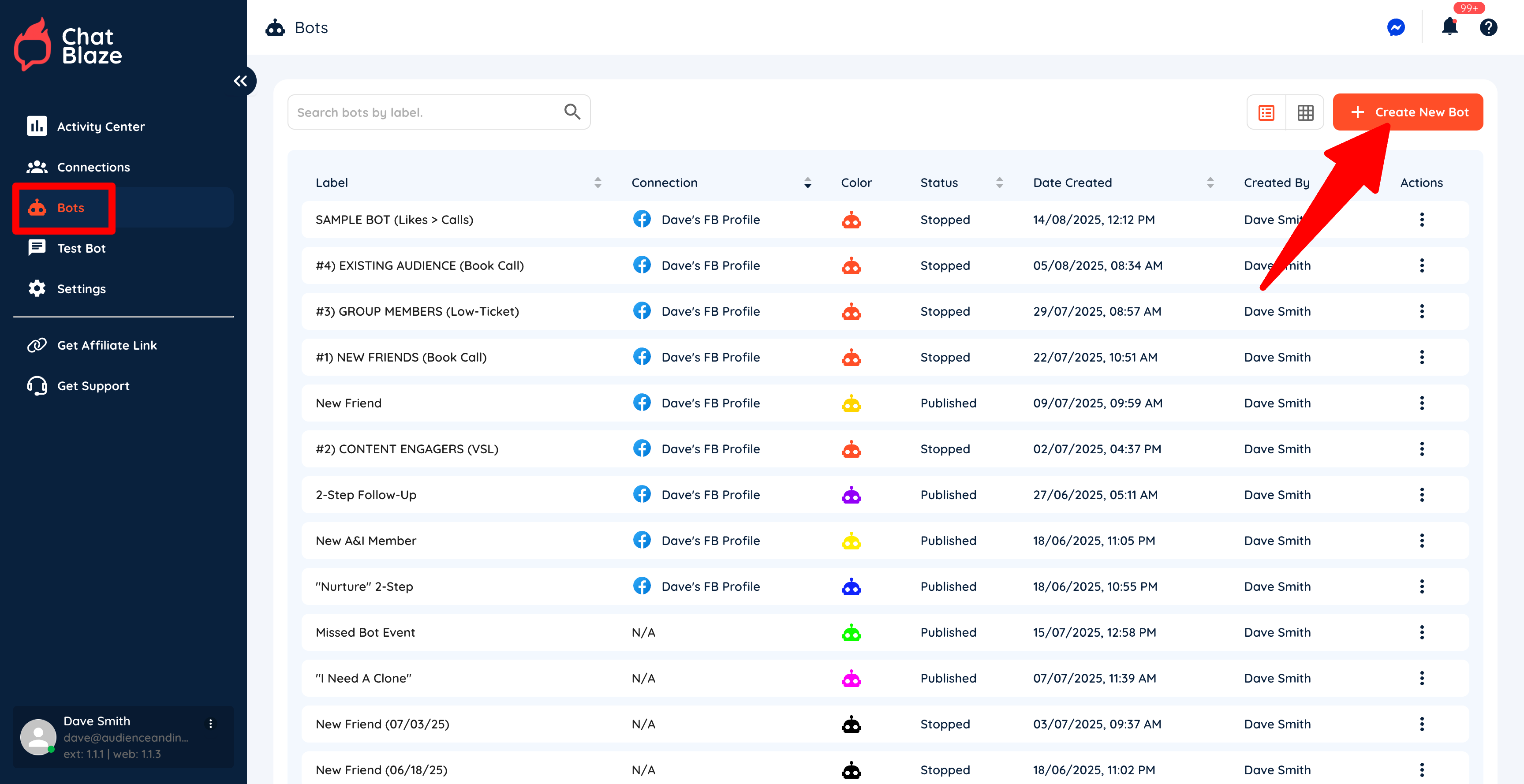
1) Create a new bot by going to "Bots" and then clicking "Create New Bot".
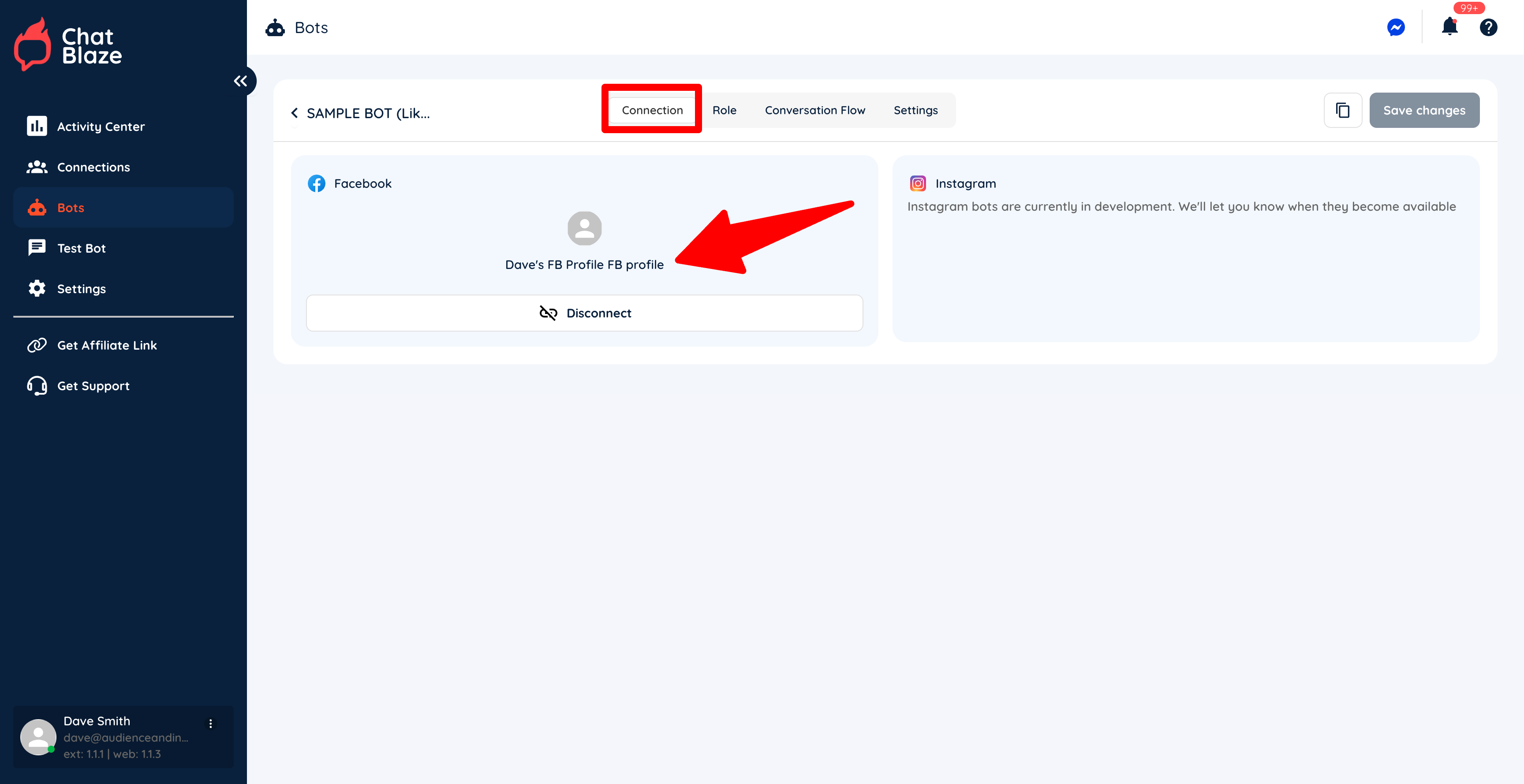
2) Connect your new bot to your social profile.
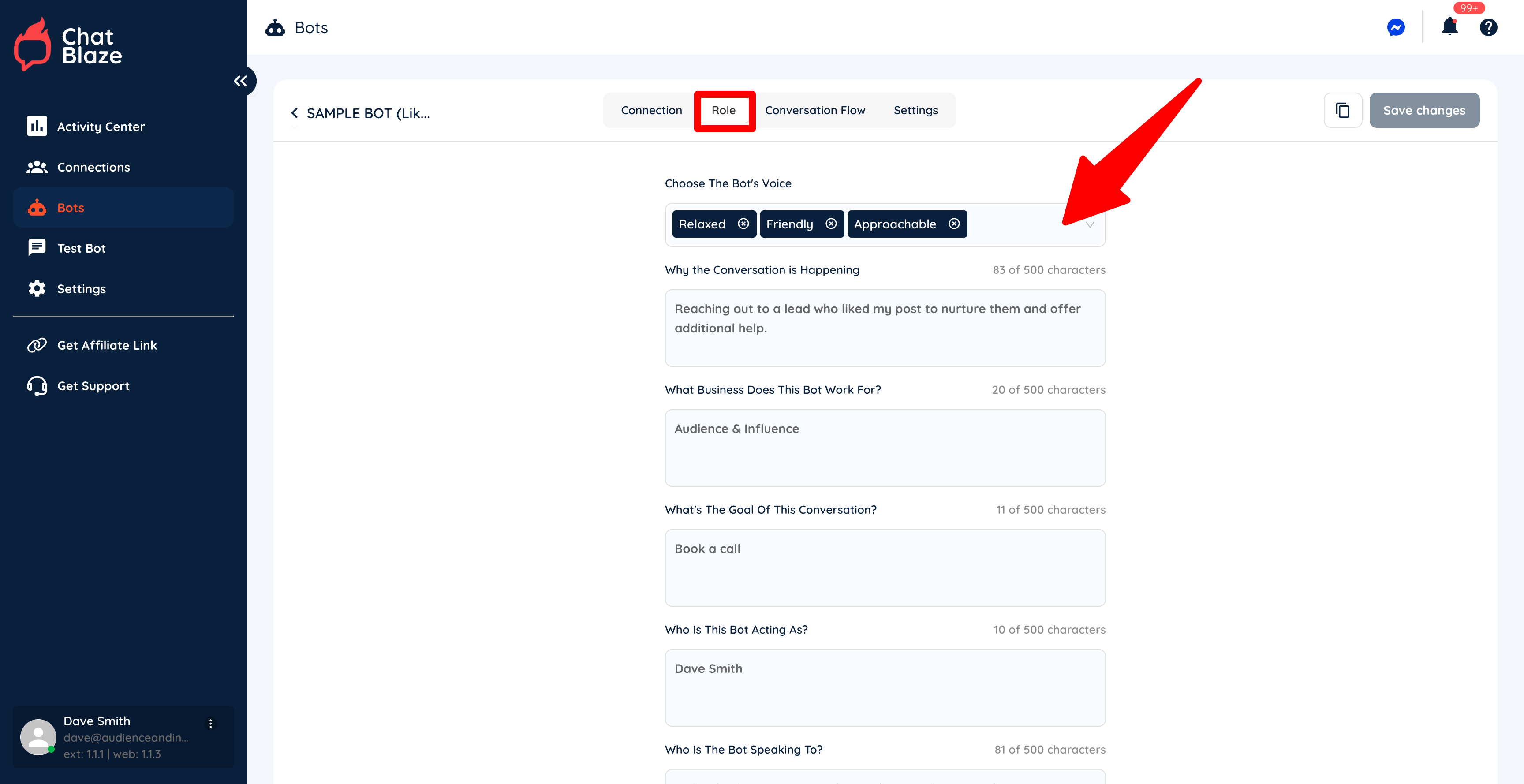
3) Fill in each section on the "Role" tab.
It's important to choose a bot "Voice" that is similar to how you would personally chat with leads. If you describe the bot's voice as "funny", your bot will joke around during its conversations. Is that how you'd chat?
Your other inputs on this page can be brief as they are just used to give your bot a little context regarding the chats it will be having with your leads.
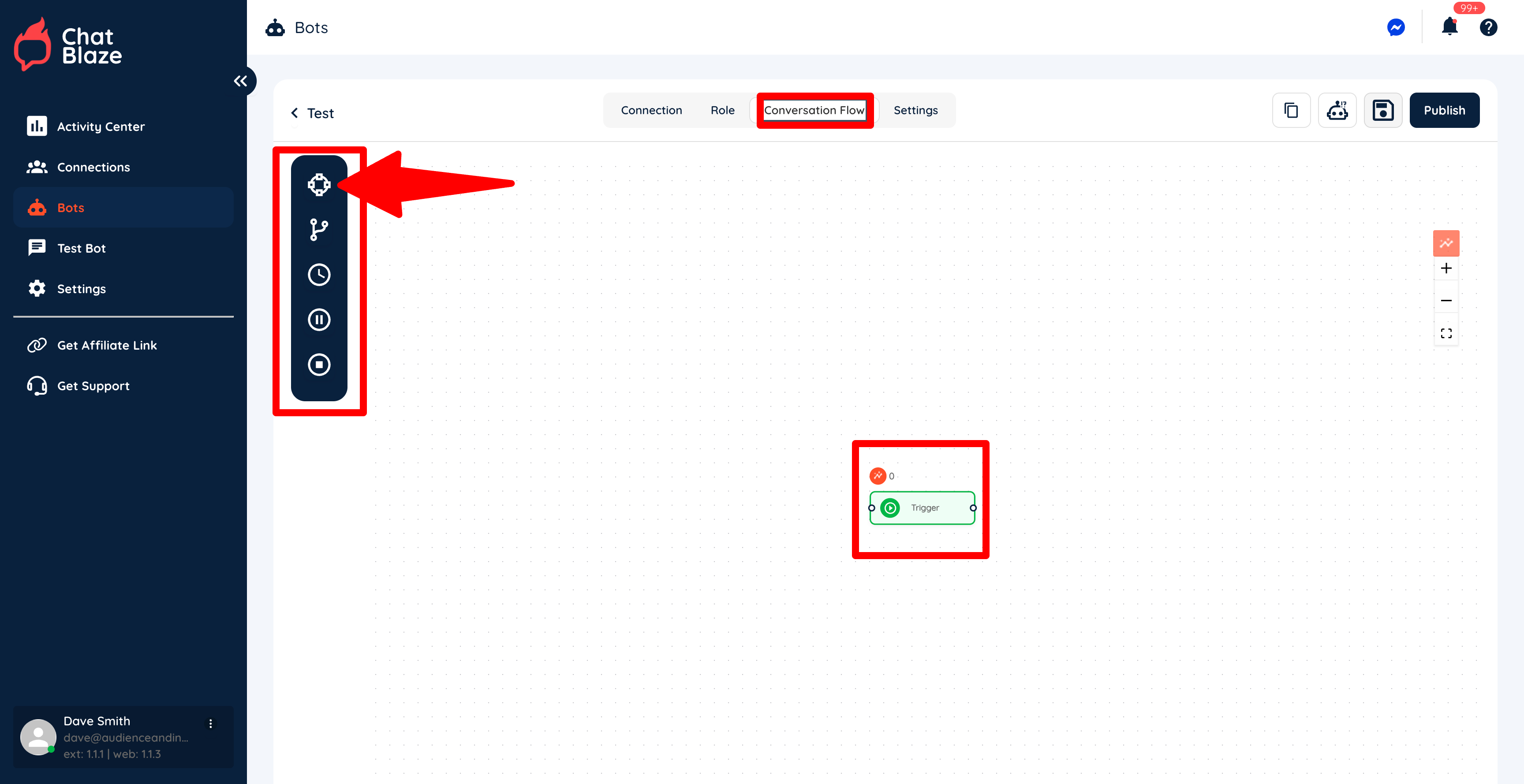
4) Now move onto the "Conversation Flow" where you will begin building your bot.
Initially there will be a single "Node" on your canvas called a "Trigger". This node is th
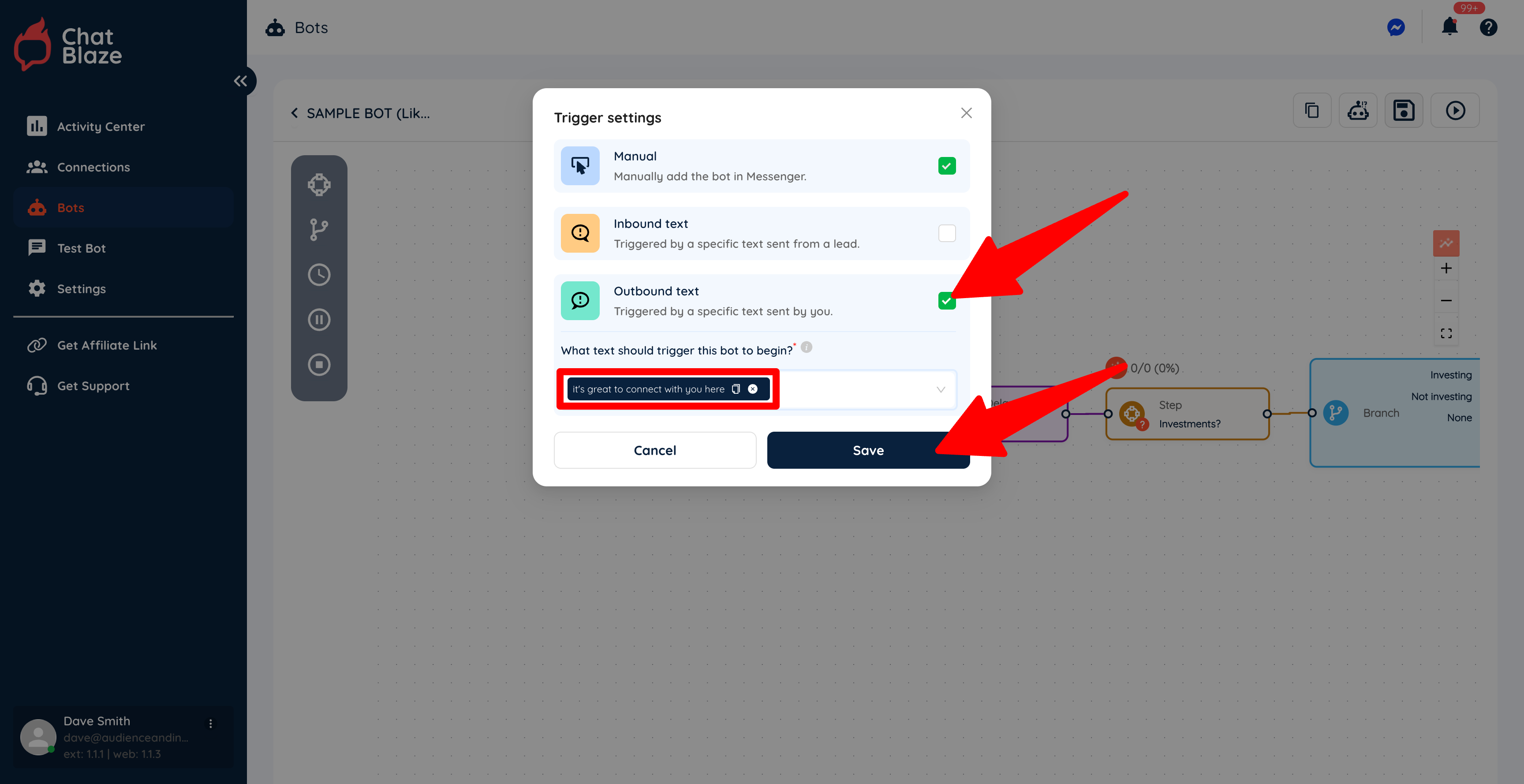
5) Select "Outbound text" and then enter the text that you want to use to trigger your bot. Save this setting.
In this example, every time I manually send a DM that includes the text, "it's great to connect with you here", this bot will be assigned to that lead who received my manual DM.
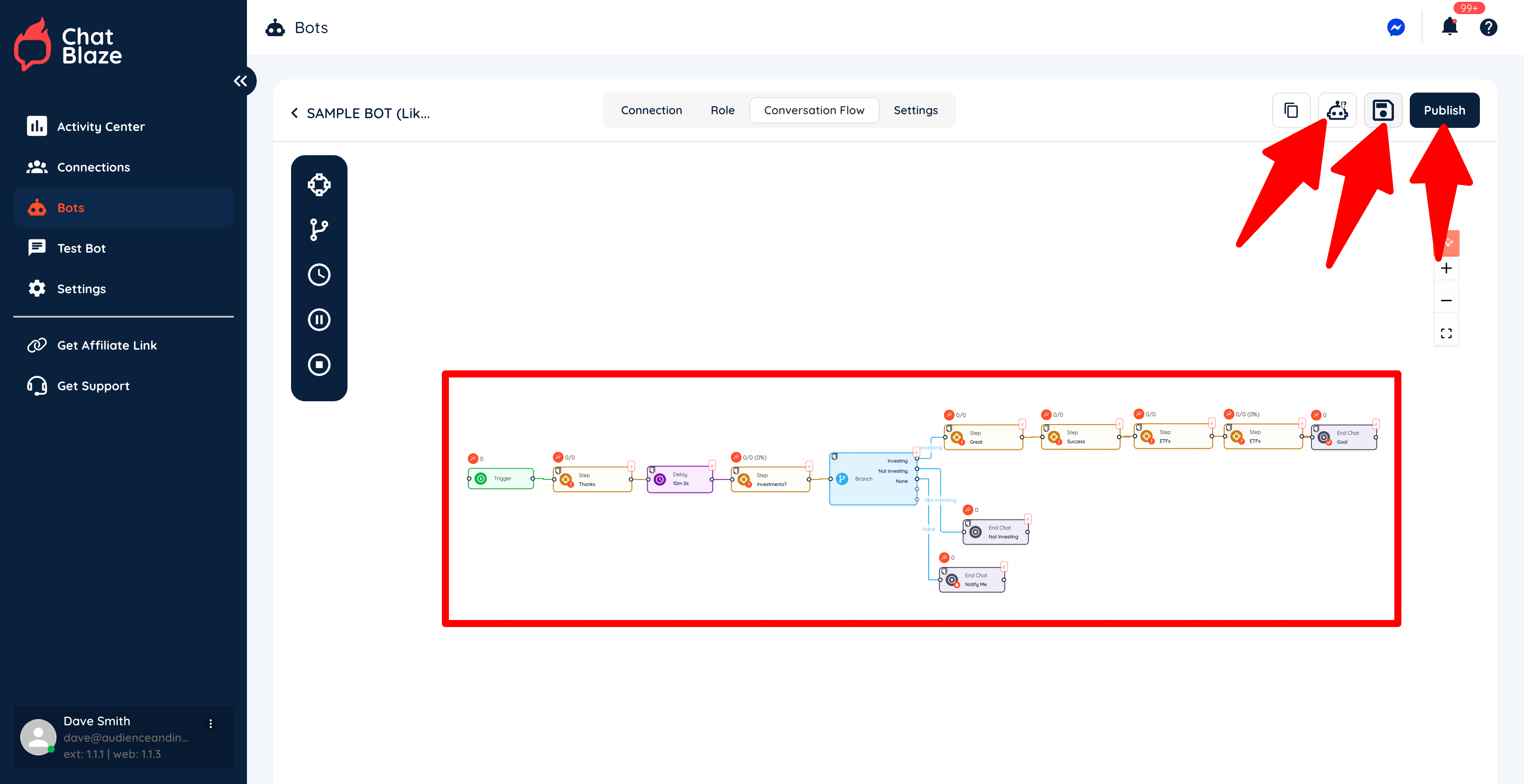
6) Build the rest of your bot as needed. Save your bot, test it, then publish it when it's working exactly as you'd like.
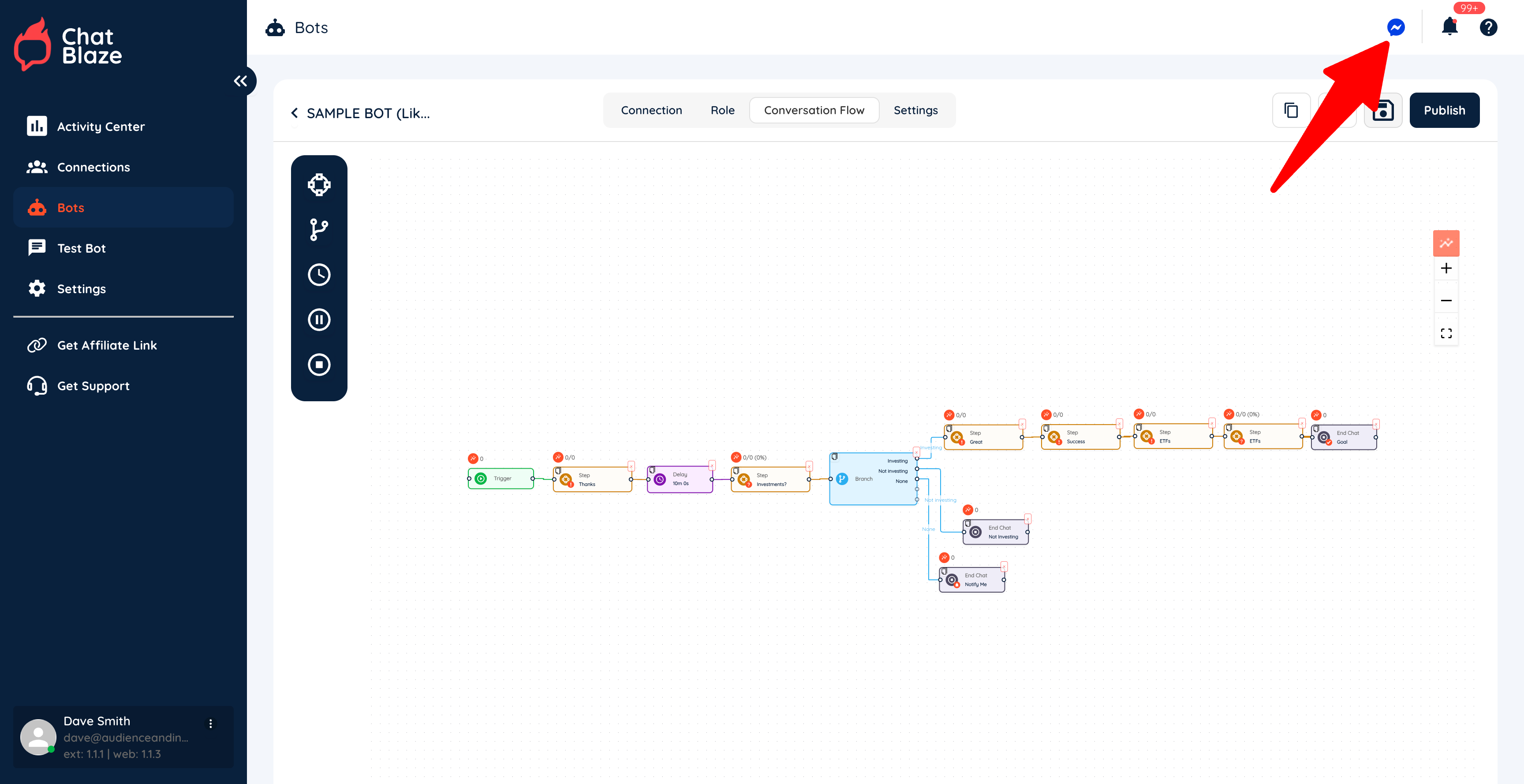
7) Click the "Messenger" icon to launch ChatBlaze in Messenger so that your bots can go to work for you.